
Real-Time Sync
Deploy live metadata from your Salesforce org, without having to wait for a sync.
Real-time Sync is a feature found on the compare page that allows you to deploy the latest metadata directly from your Salesforce org without having to wait for a full sync.
Getting Started
When creating a deployment, the compare page now has a new "Real-time changes" mode, that you can select using the "Source Snapshot" dropdown or by clicking the refresh arrow in the top right of the page.
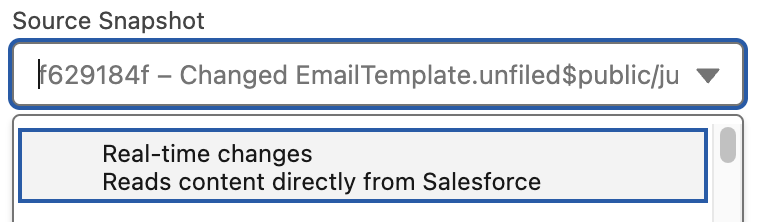
When you select "Real-time changes," Blue Canvas fetches live metadata from your Salesforce org to show you what will be deployed. If you make additional changes in Salesforce while editing your deployment, you can refresh individual files to pull the latest version by clicking a file in the file list to open up the diff and then clicking the refresh arrow in the top right.
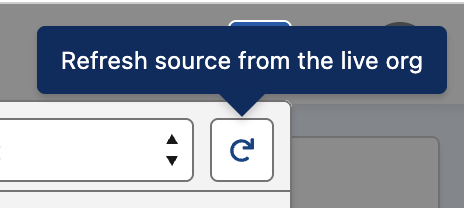
Pull in Newly Created Files in Real Time
If you've created an entirely new component, these can also be loaded in real time. You do this by clicking the "+" button in the top right, and then selecting which metadata types you'd like to pull in.
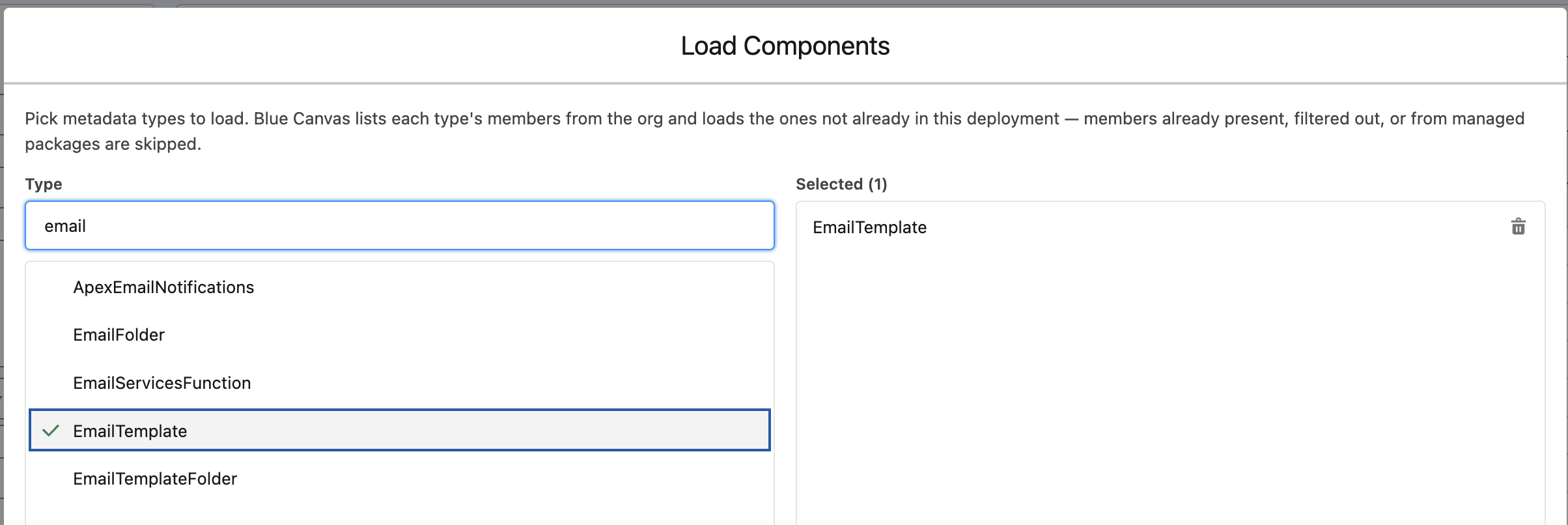
... then click "Load"...

... and then "Done"...
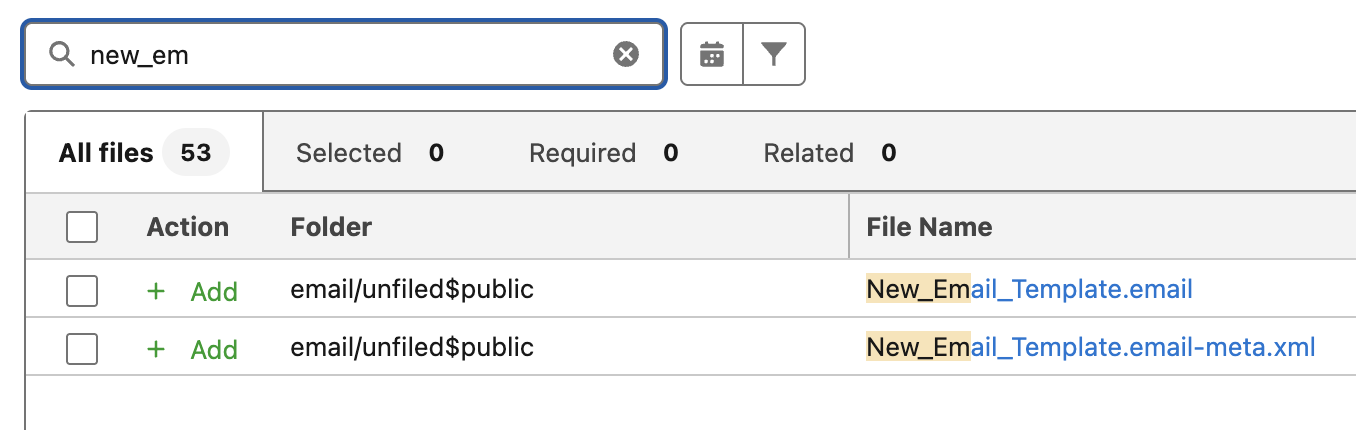
... and the files will appear in the list!
Note that this will respect your existing sync rules (excluded metadata types, managed package settings, etc.)
Real-time vs Snapshots
- Deployments using a snapshot have very fast performance when changes are already synced to your branch.
- Real-time deployments always contain the latest changes, but are a bit slower to load since they fetch directly from Salesforce.
Questions?
If you ever need anything, please reach out to [email protected] and we'll be there to help!
Updated 4 months ago